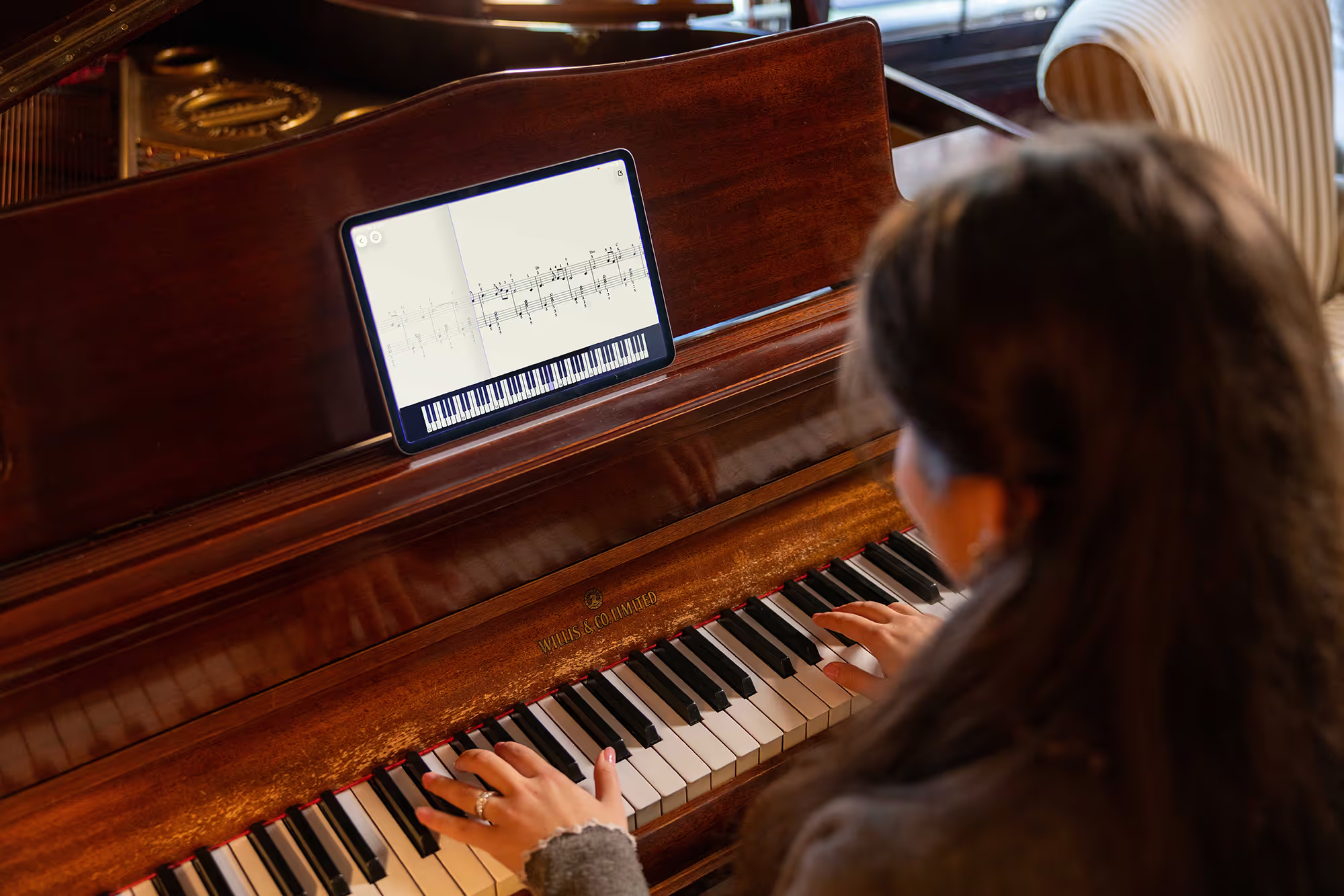
Home practice between lessons is where habits form and real progress is made. Clefer was built in collaboration with passionate educators to support that crucial time.
Our goal is simple: to help your piano player stay engaged, build confidence, and practice with clarity on their own. That way, when they return to you, they’re ready for what matters most - musical expression.

Book a free demo and explore how Clefer supports your teaching practice between lessons.
We’re inviting thoughtful, engaged educators to make Clefer part of their teaching toolkit and work with us as we continue refining it. Not just as users, but as partners helping us better support piano players when they practise on their own.
It’s an opportunity to shape a tool that fits naturally into your teaching and strengthens the work you already do.
Share your details and we’ll be in touch.

Pilot
Try new practice approaches with your students and see what truly helps them progress.
Advise
Share your expertise through feedback sessions and paid panels that influence how Clefer evolves.
Create
Help define a more human, supportive standard for modern piano practice.
Turn solo practice into a more supportive and effective experience. With responsive real-time feedback and guided structure, Clefer provides the encouragement and nudge students need to stay focused, motivated, and connected to their practice when they are on their own.


Technology is most powerful when it complements traditional teaching. That’s why Clefer was built in collaboration with passionate educators. It is a complement, not a replacement for your method. Grounded in a deep respect for pedagogy, it supports your students’ deeper understanding between lessons.

Clefer, the practice piano app, helps you inspire your students from wherever you are, helping them enhance their piano learning experience.
Create and adapt homework that fits your students' needs.
Keep them engaged and excited with an interactive practice tool.
Stay connected with your students’ achievements.
Incorporate Clefer to support your students’ practice.
Your success is music to our ears. Discover what others are saying.
Discover why Clefer, the free piano practice app, is the perfect companion for your piano practicing journey.
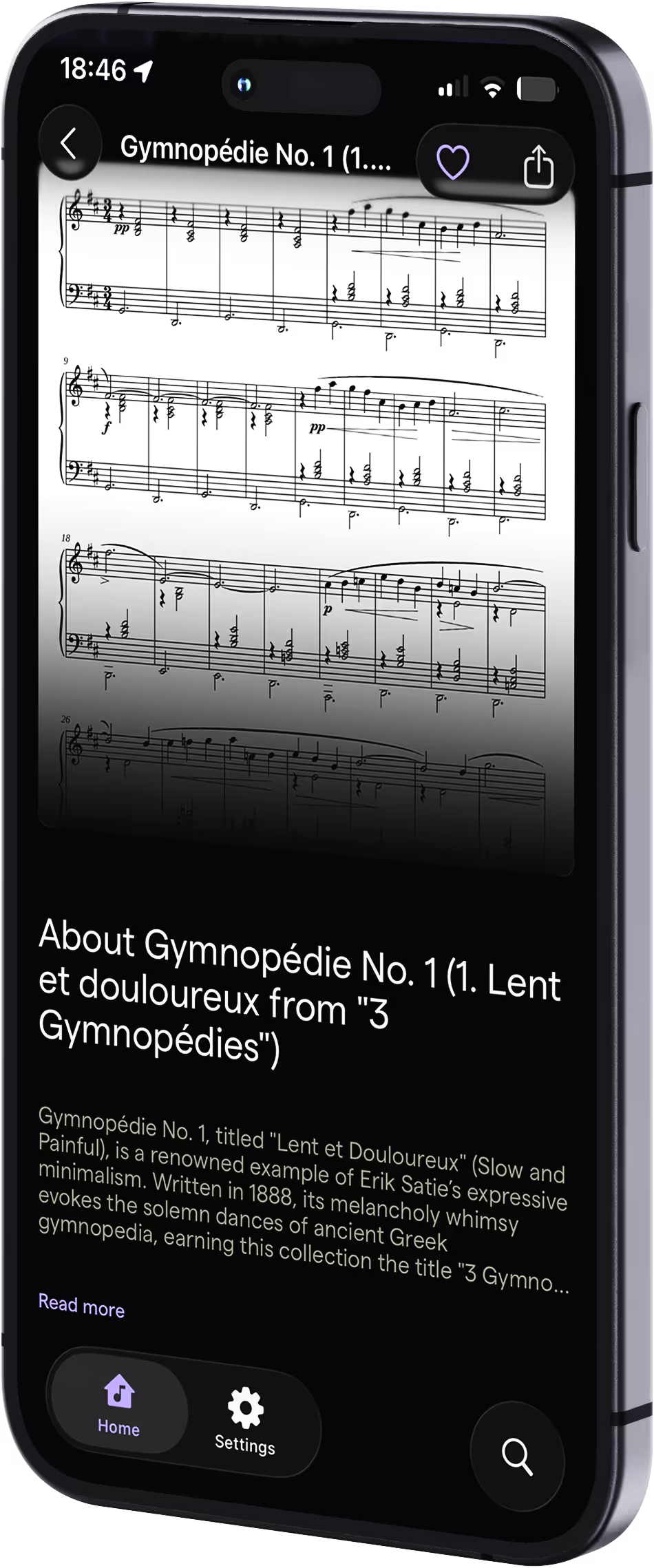
When you assign a piece from the Clefer library, students practise it at home with guided support. Clefer listens as they play and, after each exercise or play-through, the Coach reflects back what’s working, where focus is needed, and what to try next. This helps students practise with more clarity and arrive at lessons better prepared for deeper musical work.
You can begin by exploring Clefer with your students and seeing how it supports their practice between lessons. If you’re curious to stay closer to how Clefer is evolving, you can also register your interest to receive updates on upcoming teacher tools, early access opportunities, and ways to share your perspective as we continue developing the platform.
When students practise with Clefer, they’re not left guessing on their own. The app listens as they play and offers structured, responsive guidance to help them stay focused and motivated. Instead of practice feeling isolating or uncertain, it becomes a more supported experience. This means less frustration at home and more productive lesson time.
Yes. Clefer is designed to complement any teaching approach. It supports you and the music students are already learning, rather than imposing a fixed curriculum or method.
Clefer offers three core practice modes: note-by-note, rhythm, and full play-through. In each mode, the Coach listens as students play, evaluates pitch accuracy and rhythmic precision against the score, and responds with clear next-step guidance — such as repeating a passage, slowing the tempo, isolating one hand, or moving forward. Feedback is task-focused and encouraging, helping students understand how to practise effectively, not just what to practise.
No. We built Clefer to work alongside teachers. Our commitment is to support meaningful practice habits, helping piano learners stay motivated and feel less alone at home. Clefer reinforces your teaching - it never replaces the musical insight, relationship, or artistry that only a teacher can provide.
Yes. By reviewing the Coach view for each piece your students practise, you can see how often they practise, which sections they’ve worked on, and where they may need extra support. This helps you understand what’s happening between lessons and tailor your teaching more effectively. We’re continuing to develop additional teacher-facing tools to expand these insights over time
Clefer supports a wide range of learners, particularly players who are beginning to read sheet music and beyond. It’s especially helpful for anyone who benefits from structure, encouragement, and clear guidance during independent practice. As always, teachers are best placed to decide how and when Clefer fits within their studio and each student’s individual needs.
No. Clefer works with acoustic pianos, digital pianos, and keyboards using the device’s built-in microphone — no cables or additional hardware required. MIDI instruments are also supported, but MIDI is optional and not required to use the app.
Clefer works on both iOS and Android devices. Students can use the app on a smartphone or tablet, using the device’s built-in microphone. No special equipment is required beyond their instrument.
Teachers can currently try Clefer with their students for a limited time at no cost.
Getting started is simple. You can start by downloading Clefer and exploring it at your own pace. For a more personal introduction, fill in the form on this page to book a demo. Our team will arrange a time to guide you through the app and help you see how it might fit your teaching.
Offer your students the support they need to build confidence and keep practicing between lessons.